GET 40% OFF
⏰ Hurry! Ends June 26, 2025
Eliminate Boring Excel Tasks for Good
Build the confidence to create automations that turn hours of work into seconds, while avoiding errors and impressing your team.
Save $200 today
List price $499
You only pay $299
Join over 500+ professionals who transformed their VBA skills with me
See how they gained the confidence to eliminate repetitive Excel tasks and save hours of time
"Very wise investment!"
This course is beginning to change my career trajectory. I'm enjoying the course. It is so well explained! This was a very wise investment.
Thank you so much.
Kenneth N. (Pricing Analyst)

"Client Problem Solved"
I needed to extract bad email addresses from a long list. My client had highlighted the addresses in red. I wanted to copy them to another cell and remove the highlighting.
Your lesson showed me exactly how to do this. With your help guides, I finished the code in 30 minutes. Now I have a program I can use for other clients too!
George L. (Legal Specialist)
"New Skills Unlocked"
I just finished your course and found it extremely valuable. Excel Tables and Arrays were completely new to me. Now I can apply these skills to manipulate data at my job.
My biotech department uses simple spreadsheets without VBA. I'm on a mission to change that. Your course gave me the foundation I needed to get started.
George L. (Biotech company)
Taught by an instructor with real world corporate experience



Feeling Stressed by Repetitive Tasks in Excel? Drowning in Spreadsheet Work?
If you've ever felt overwhelmed by endless manual tasks in Excel, you're not alone. I was in exactly the same place until I discovered VBA.
Picture automating your repetitive Excel tasks with just one click. That's what Excel VBA does. It can turn messy spreadsheets into clean, error-free workflows that actually work.
No more manual data entry. No more copy-pasting between Excel, Word, and PowerPoint. VBA gives you back control and saves you hours of time and frustration.
I've used it to build custom solutions that fit exactly what I need. And it gives me the confidence to know my work would be done quickly and accurately, every time.
But I didn’t always know how to use VBA.

In fact, before I used VBA for my own projects and taught it to hundreds of students, I was just an average Excel user.
I worked in the finance department of a tech company. Every week, I had to prepare a report by Monday lunchtime for the CEO's weekly staff meeting.
Every week felt like a ticking time bomb. Data errors, endless copy-pasting. It was mentally draining. I knew if I kept going like this, I'd burn out completely.
It was brutal. I'd come in early, stay late, even work weekends. All to get everything ready in time.
But I had a colleague who never stressed about it. She had a secret: VBA.

She showed me (and others) how she used VBA to automate the reports. With a few clicks, her spreadsheets would turn raw data into polished, error-free reports.
What would have taken me hours took her just a few minutes. Imagine the same for your own work. How amazing would that be?
So I realized VBA wasn’t just a nice tool—it was a game-changer.
Think about it. What tasks in your day could you automate, freeing up hours for the work that really matters?
But there was one problem: I had no idea how to write it. And if you're reading this, you're likely to be in the same boat.
Week after week, I watched my colleague's mysterious code work its magic, praying it wouldn't break and leave me stranded.
Don't make my mistake. Never build your career on scripts you can't understand or fix.
When I moved to a senior role at a fast-growing company, I witnessed VBA's true power firsthand.
One colleague had automated their entire PowerPoint process. What used to take 4 hours of copying charts and formatting slides now took 4 minutes.
Eventually I decided that I had to master VBA myself.
Picture cutting 10-15 hours of mind-numbing work from your week.
What would you do with that time? Tackle strategic projects? Actually see your family? Maybe even take a proper lunch break?
But here's the brutal truth. Learning VBA the hard way nearly broke me.
Months of trial and error. Cryptic error messages. Code that worked yesterday but failed today.

I bought every book I could find. Excel VBA and Macros, Power Programming for VBA, Excel VBA for Dummies.
If you've tried the same thing, you know how overwhelming it feels wading through endless pages of code and theory.
And YouTube videos? I watched hundreds of them, searching for code snippets and tutorials that actually made sense.
Sound familiar? I kept second-guessing myself, piecing together bits of knowledge from different sources. Hoping something would finally click.
Eventually, after countless mistakes, I managed to automate a crucial task. I could gather data from multiple departments, generate reports, and format them in Word automatically.
Suddenly, those last-minute scrambles to produce reports were over.
One click and it was done. Like having a personal assistant working behind the scenes, handling all the tedious stuff perfectly every single time.
That's when it hit me...
VBA isn’t just about saving time. It’s about taking back control of your workday.
Imagine automating your own tasks, knowing everything runs smoothly without you lifting a finger.
You don't have to spend years like I did, fumbling through countless resources. With the right guidance, you can master VBA in a fraction of the time.
After years of trial and error, I figured out how to use Macros and VBA to automate Excel. Now I'm sharing it with you.
That's why I created this Excel VBA course. So you can turn 3-hour reports into 3-minute button clicks.
I've put everything into a course that's hands-on, easy to follow, and gets you results fast.
No more digging through endless books or wasting time on random YouTube tutorials. This course walks you through exactly what you need, step by step.
Most VBA resources dump code and jargon on you until your eyes glaze over.
I focus on the core concepts that actually matter.
I give you a solid foundation and teach it in a way that's actually enjoyable to learn.
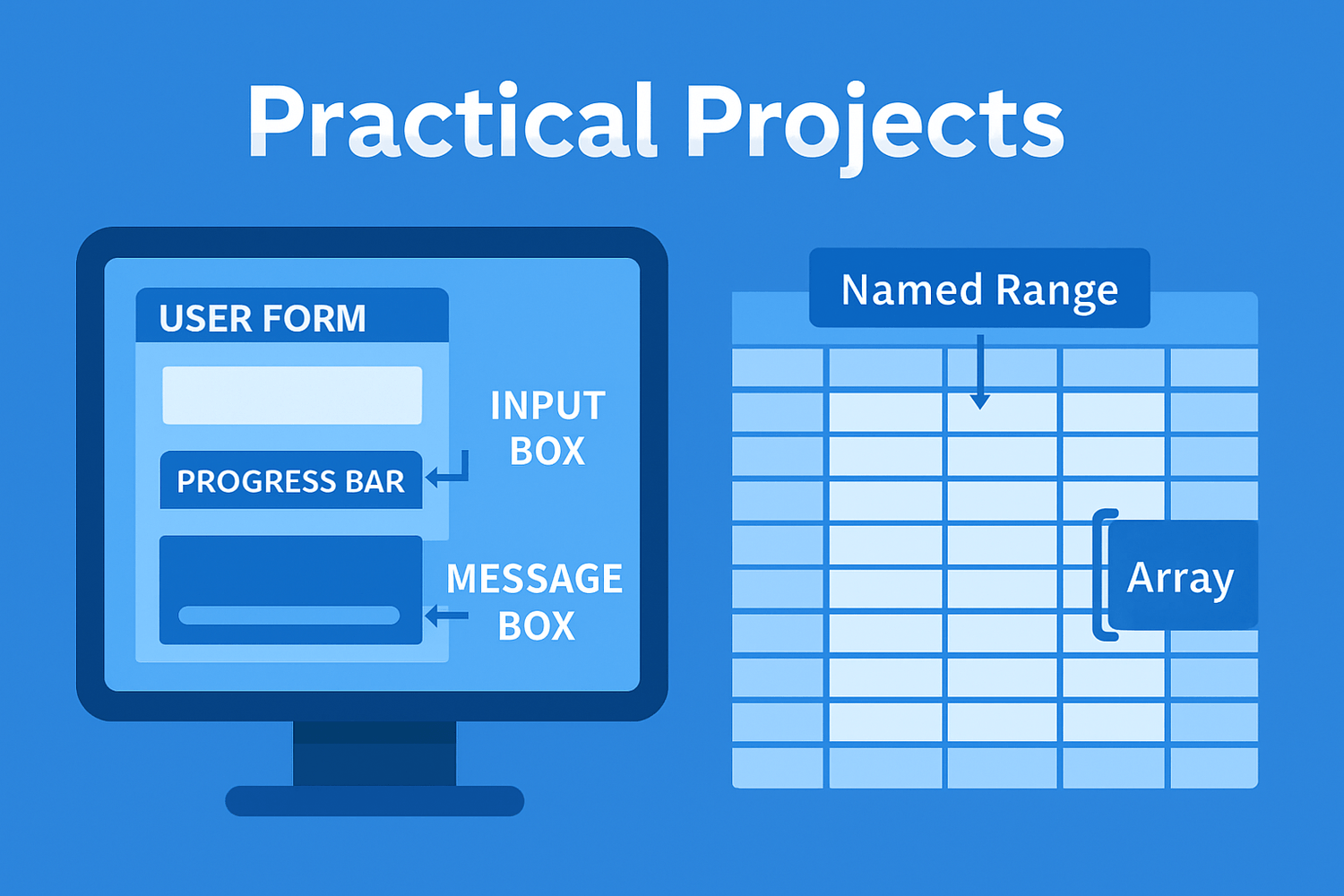
You’ll learn step-by-step with real-world projects that make it all come together.
Picture your day without the stress of doing the same tasks over and over. No more late nights. No more weekends lost to copy-paste marathons.
With VBA, it's just one click and your work is done. Ready to take back control of your time?
If you are, that's perfect. Just click the Join Now button below to enroll in Excel Macros and VBA School.
Is Boring Repetitive Excel Work Slowly Crushing Your Soul?
Monday morning: That 'final' report you stayed late to finish? Your boss wants 47 changes. Again.
Tuesday afternoon: Copy-paste errors ruin your report (again).
Every week: Same mind-numbing manual process - week 87 and counting.
Weekend ruined: 'Quick' data cleanup turns into 6-hour nightmare.
Daily reality: Everyone else seems to work magic in Excel while you're still copy-pasting like a caveman.
Here's the truth: You're not stuck. You're just missing one skill that changes everything.
Want to know how much time VBA could save you? Let's crunch your numbers with the Excel VBA Freedom Calculator.
⬇︎
Excel VBA Freedom Calculator
✅ See how many hours VBA could save you
✅ Adjust the sliders to match your real Excel workload
✅ Discover how much time you could get back starting today

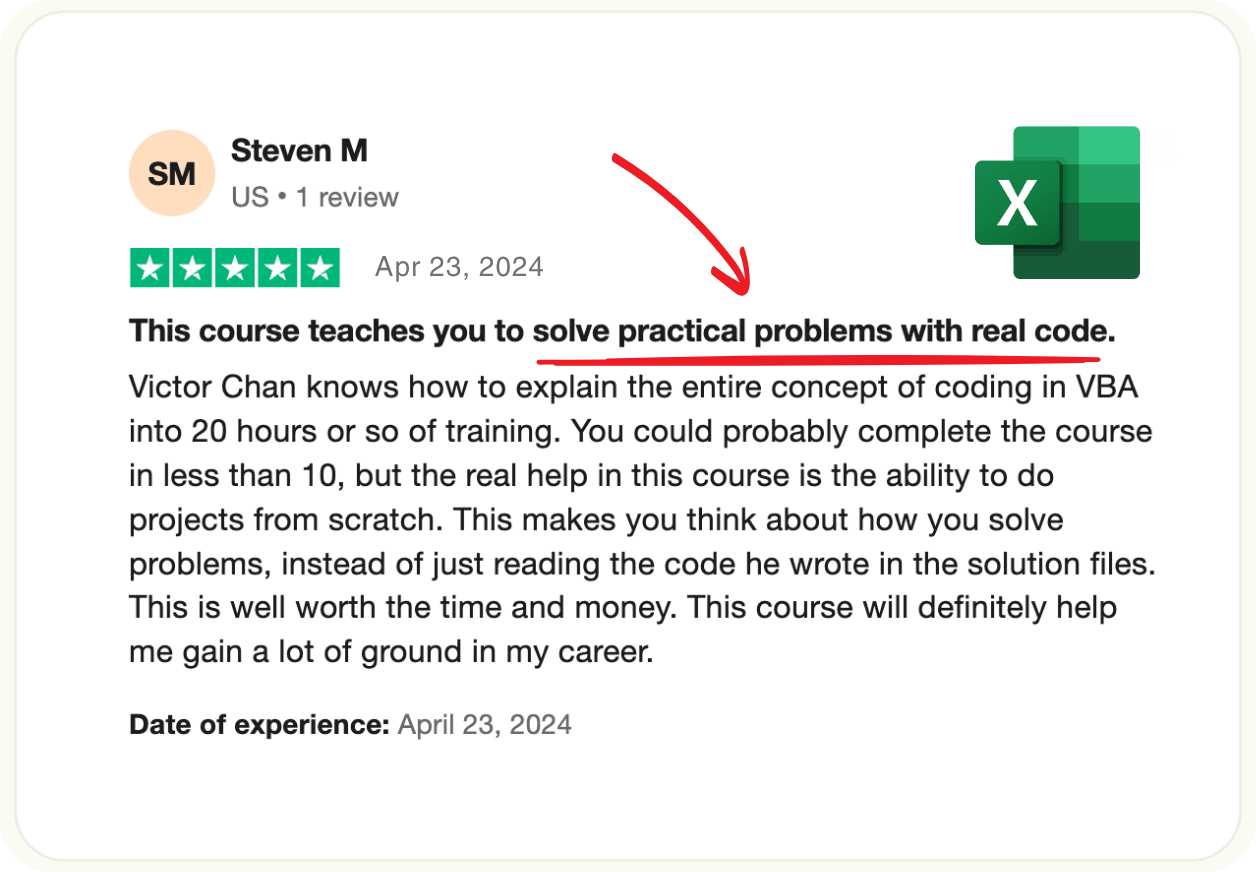
"SOLVE PRACTICAL PROBLEMS WITH REAL CODE"
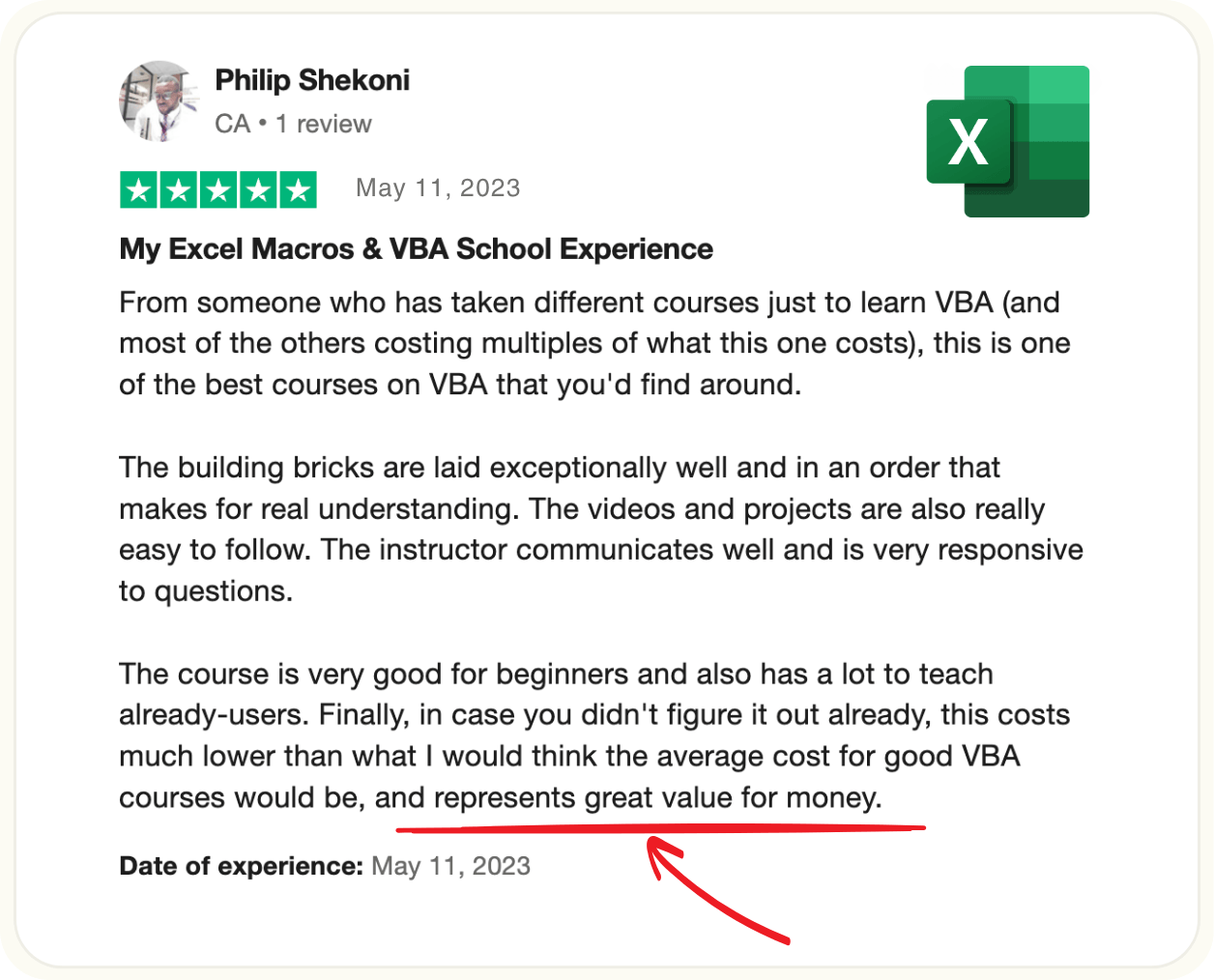
"GREAT VALUE FOR MONEY"
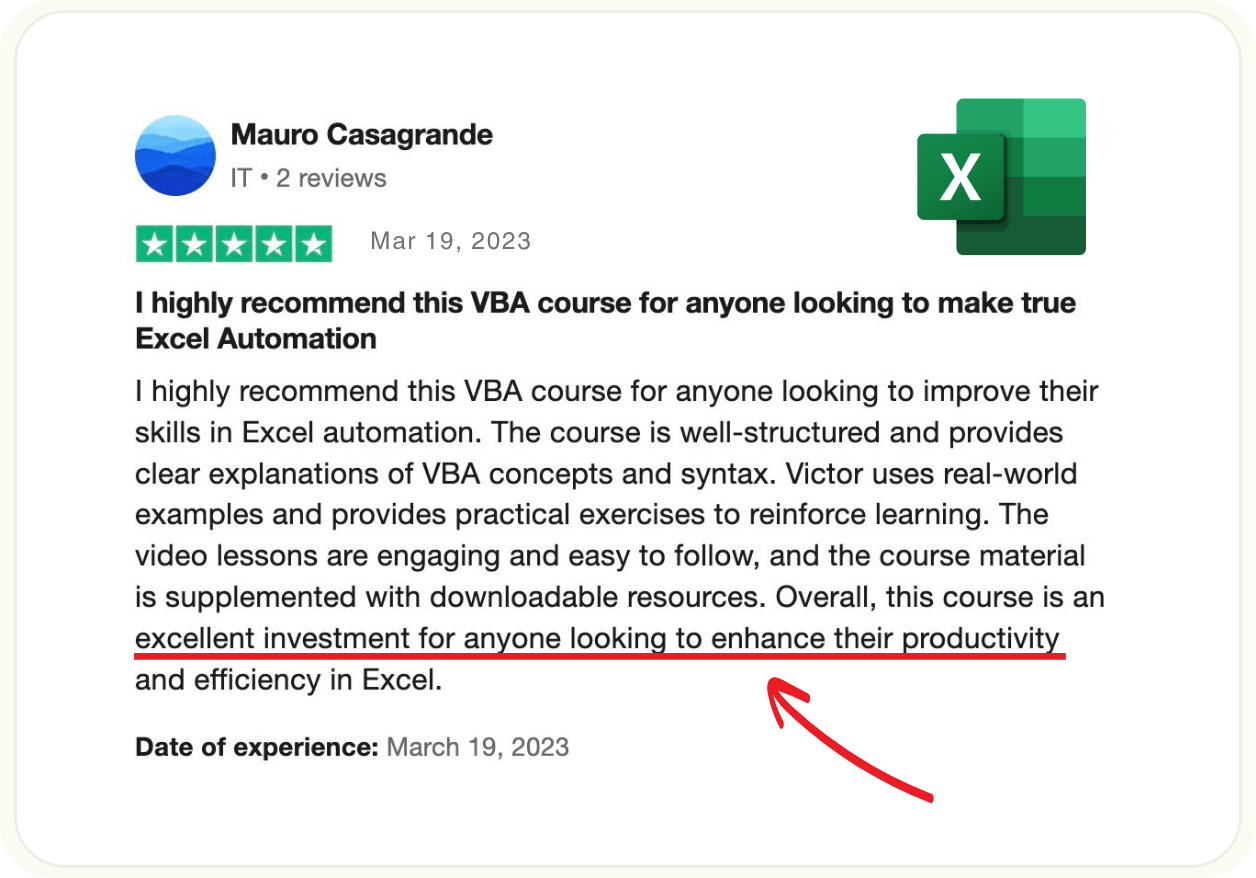
"EXCELLENT INVESTMENT FOR PRODUCTIVITY"
Excel MVP Mynda Treacy recommends my course...


Victor’s Excel VBA course will have you automating repetitive tasks and skyrocketing your productivity in no time.
He makes VBA fun and easy to learn with comprehensive explanations and real-world practice projects that will give you the confidence to tackle any challenge.
Victor has tailored this course to focus on the skills that are going to give you the best results in the shortest amount of time based on his years of corporate experience.
VBA is a skill that employers will pay a premium for. Mastering it will reap you rewards for many years to come.
Having known Victor for more than 10 years, I know you are in good hands, and have every confidence in recommending his course.
Victor’s Excel VBA course will have you automating repetitive tasks and skyrocketing your productivity in no time.
He makes VBA fun and easy to learn with comprehensive explanations and real-world practice projects that will give you the confidence to tackle any challenge.
Victor has tailored this course to focus on the skills that are going to give you the best results in the shortest amount of time based on his years of corporate experience.
VBA is a skill that employers will pay a premium for. Mastering it will reap you rewards for many years to come.
Having known Victor for more than 10 years, I know you are in good hands, and have every confidence in recommending his course.
Mynda Treacy
Microsoft MVP & Co-founder My Online Training Hub
How to ACTUALLY make learning Excel Macros and VBA as Easy as 1, 2, 3!
The secret to eliminating repetitive tasks and boosting your productivity with Excel VBA is simple.
1. Figure out which tasks can be automated.
2. Learn the specific VBA techniques to automate them.
3. Focus on mastering those core skills.
Most people try to do this through years of trial and error, experimenting with random code snippets and trying to figure out what actually works.
But you don't have to go through all that because I've already done it for you!
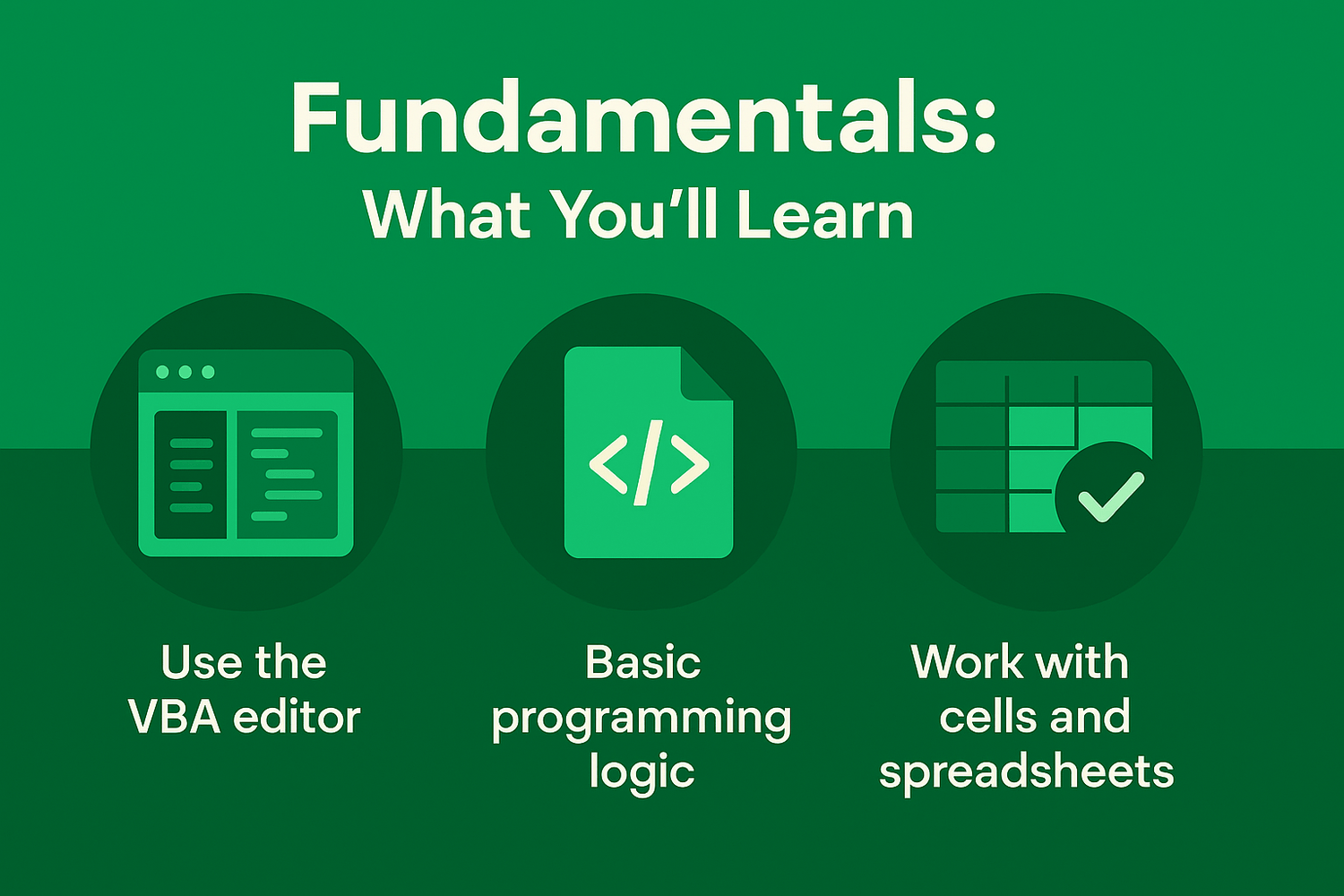
My Excel VBA School is a complete system that shows you the most important VBA to learn first, how to write code that actually gets the job done, and how to take your Excel skills to the next level.
Plus, once you learn this system, you'll build a library of automated processes.
You can share them with your team and become the office hero. Or keep them to yourself and enjoy being the person who mysteriously gets everything done in half the time.
Suddenly, your workday feels lighter, your output shoots up, and people start asking how you finish everything so fast.
This is EXACTLY what I built this course to do for you. Take your ideas and turn them into working Excel automation machines.

Join today so you can stack these benefits:
Turn 3-hour reports into 3-second button clicks.
Reclaim 5–10 hours of your week (that's a full workday back).
Become the office hero who "just has a macro for that."
Replace messy workarounds with elegant one-click solutions.
Watch colleagues ask "How did you finish that so fast?"
Learn the 20% of VBA that handles 80% of your daily grind.
Build it once, use it hundreds of times.
Automate so much work that people wonder if you're actually busy.
Leave the office on time while others are still copy-pasting.
Want proof this actually works? Here's what some of my students say about learning VBA the easy way with me.
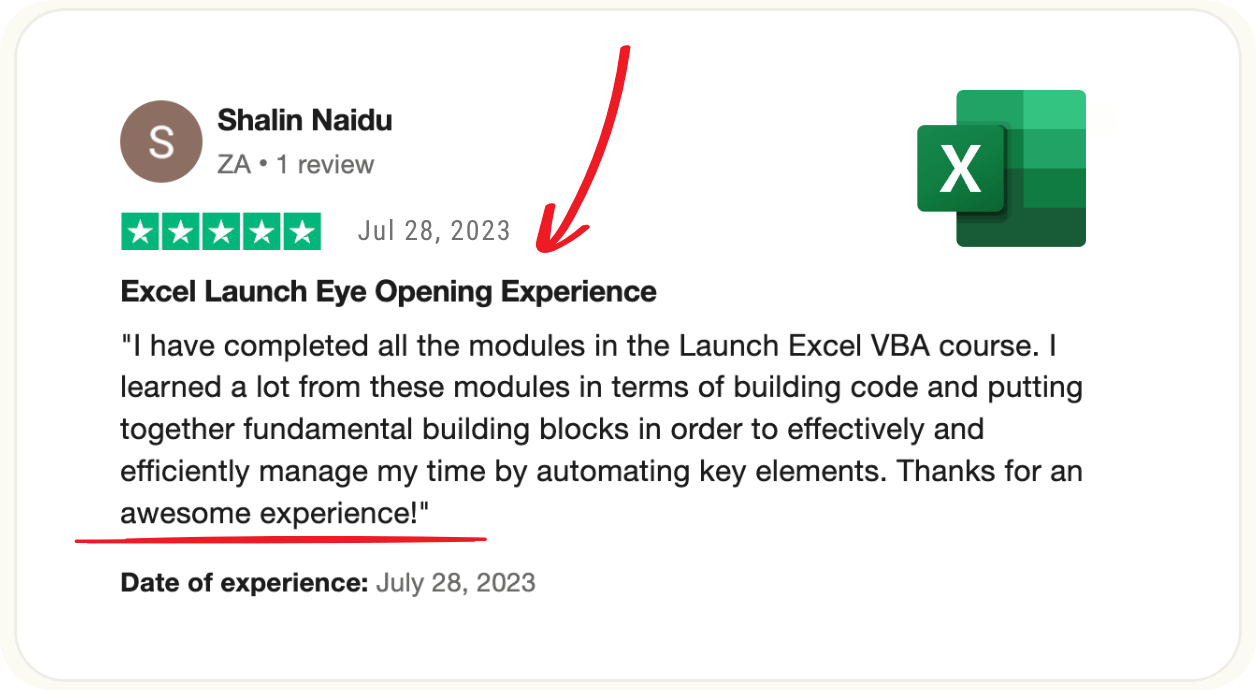
"AWESOME EXPERIENCE"
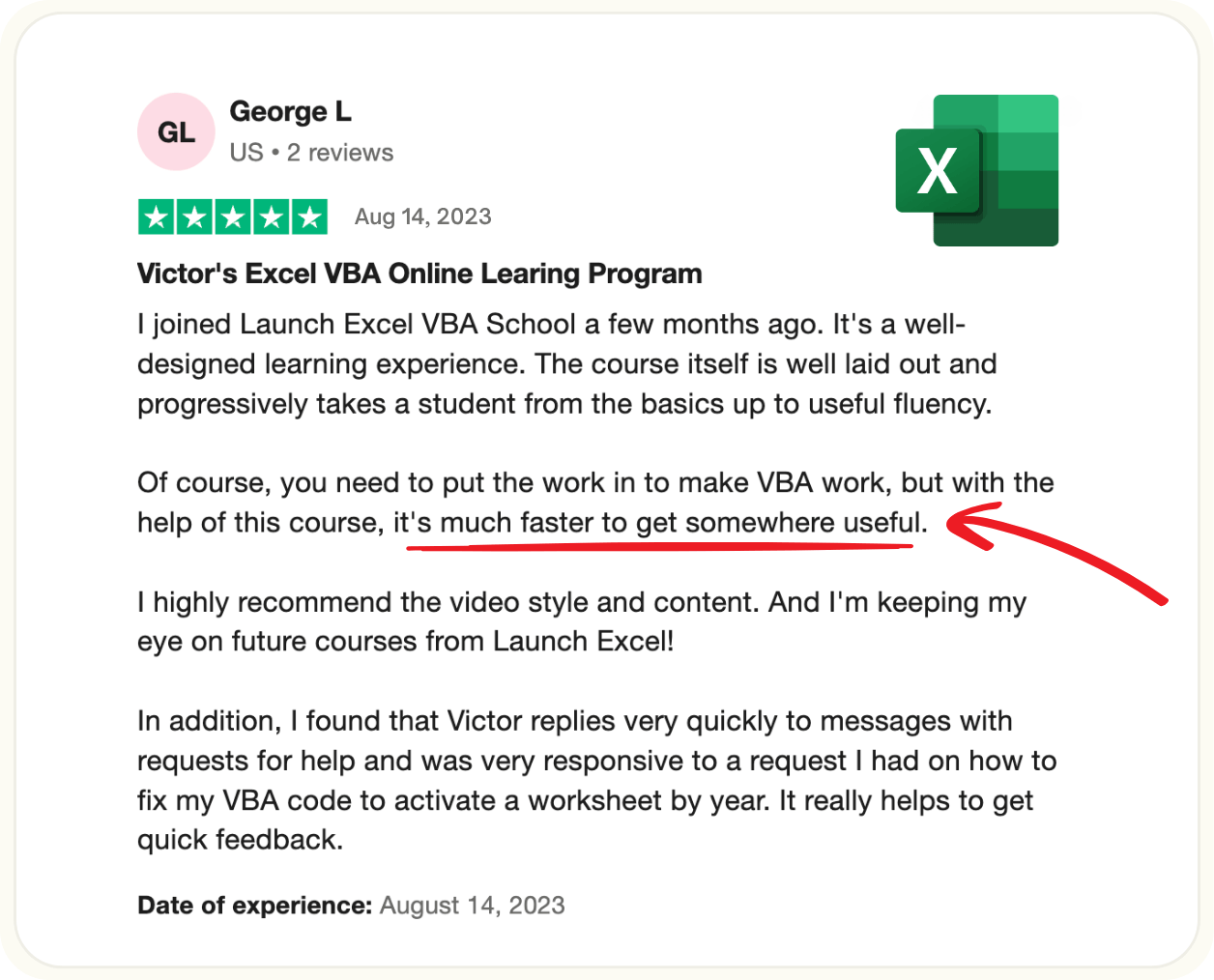
"MUCH FASTER TO GET SOMEWHERE USEFUL"
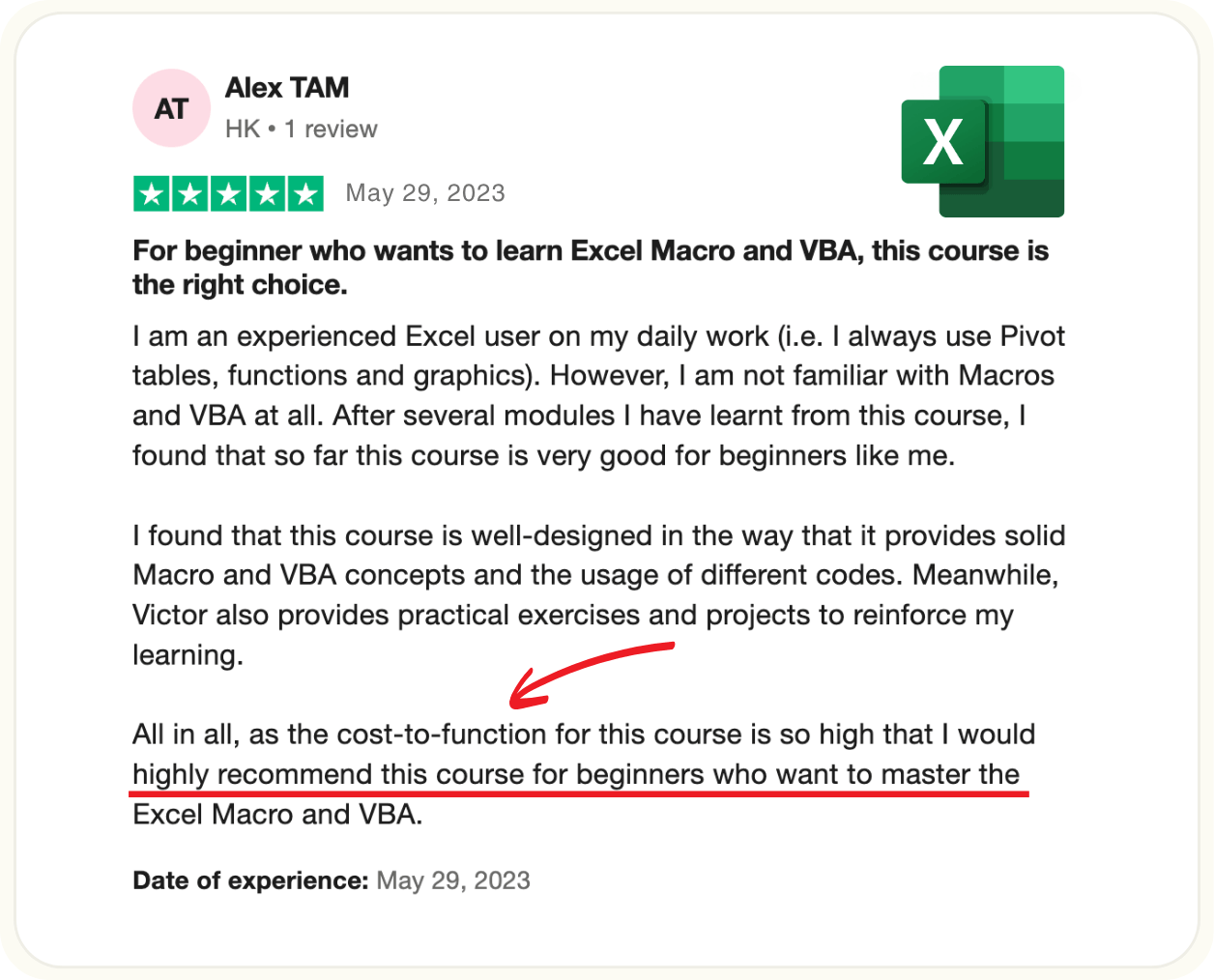
"HIGHLY RECOMMEND FOR VBA BEGINNERS"

What sets me apart is that I measure my success by your "aha!" moments 💡
Before I tell you about the course, you probably want to know who I am and why you should trust me to help you automate Excel.
I'm Victor, and I've spent the past few years helping professionals automate their repetitive Excel work and become indispensable at their jobs and businesses.
I've helped over 500 students go from complete beginners to fluent in VBA, with tens of thousands more learning advanced Excel skills through my free YouTube tutorials.


My YouTube channel has over 5 million views and 40k subscribers because people love how I break down complex concepts into simple, clear explanations.
My corporate background gives me real-world Excel expertise.
Deloitte (Big 4 Accounting) – Early in my career I worked at Deloitte as an auditor in London where I earned my Chartered Accountancy qualification.
CSR plc (tech company) – I moved into the role of Management Accountant for what was then the world's leading bluetooth company. Qualcomm eventually bought CSR for $2.4bn.
ARM plc (tech company) – I joined as Business Assurance Manager for the world's leading semiconductor IP company. Softbank bought ARM for $31.4bn, and later the company went public on the Nasdaq in a September 2023 IPO.
At each of these companies, I discovered how advanced Excel skills and VBA automation can save massive amounts of time in high-pressure environments.
These weren't just theoretical exercises. They were real solutions to real problems that saved hours every day.
And even though I have a Masters in Engineering from the University of Cambridge (covering everything from advanced calculus to zero-defect manufacturing), I don't believe in overcomplicating things.
That's why I focus on making Excel simple and accessible for everyone, no matter what your background is.
Here's what sets me apart. I don't just know VBA - I'm obsessed with making complex concepts click.
I measure my success by those lightbulb moments💡 when everything suddenly makes sense, not by how much I can show off with technical jargon.
I’ve spent hundreds of hours perfecting how to explain advanced Excel topics so clearly that a 7th grader could follow along.
Every explanation gets tested and refined until my students say "Finally, someone who actually makes this make sense!"
And I’ve spent thousands of hours building real automations and solving technical problems alongside my students.
That's why I'm uniquely positioned to help you get results fast. You're getting corporate-level expertise AND teaching skills that have been refined through years of practice.
By the time you finish my course, you'll be amazed at how simple VBA actually is when it's explained properly.
Ready to see how I'm going to transform you into a VBA expert? Let me show you exactly how my course works.
⬇︎
Introducing Excel VBA School

Excel VBA School is designed to help you master the top 20% of Excel VBA skills that get 80% of the results.
This means you'll be able to automate your tasks, boost your productivity, and leave behind the grind of repetitive manual work. All without wasting time on anything that isn't mission critical.
Inside Excel VBA School, you'll gain access to:

Structured Learning System
Unlike traditional methods that overwhelm you with information, this course is built on proven learning techniques that make mastering VBA both practical and engaging.

In-Depth Coverage
Go beyond what other courses teach to properly control and automate Excel without guesswork, learning the Excel Object Model to speed up your development process.

Expert Automation Training
Learn the most impactful VBA techniques for automating your everyday Excel tasks. No fluff, just the skills you need to solve real problems.

Extensive Code Library
Get immediate access to dozens of ready-to-use code snippets to accelerate tasks involving Excel workbooks and worksheets, giving you the confidence to build your own mini-utilities.

Practice Projects
Get real-world results by gaining hands-on experience with guided projects that simulate the challenges you face at work, ensuring you can apply what you learn immediately. This is the best way to learn and make it stick long term.

Macro Building System
Learn the secret four-step system that enables you to develop your own custom Excel macros and applications. My structured approach breaks down complex projects into easier steps so you can tackle any automation challenge.
Save $200 today
List price $499
You only pay $299
Read about Kenneth's transformation from zero code to confident coder

I never expected to write VBA code by myself
Dear Victor,
Good afternoon.
I like to share with you my feedback so far after completing the first 5 modules of the VBA course.
I'm astonished Victor by how much information is invested in this course. You can't believe - Now I understand the Excel object model, I understand objects and methods etc..
I'm able to declare variables, comment while writing code, I understand public/project scope variables, module scope and those that are private in a subroutine, I clearly understand the data types, and constants.
I'm beginning to feel a little by little more confident in my VBA skill by the day yet i haven't completed all the course. I can now easily understand some of the code I earlier downloaded through YouTube. Now its beginning to make sense to me.
I can now tell you confidently that I can use the For... Next loop, For Each... Next loop, select case and the if statements.
I have attached my excel which I have used for module 5 practice and written the code by myself through active recall without looking at the video.
They're just simple codes that i was using to help me reunderstand the if and for statements.

I never expected that one day I can write some VBA code by myself. But just after 5 modules I can't believe it.
I'm starting the final modules from module 6 this weekend, and I'm getting more excited like Matt in the course that i can finally use some VBA.
Thank you so much!!
Kenneth N.
Happy VBA School Student
Everything You Get Access To


Systems
No more guesswork! Follow my step-by-step systems for learning Excel VBA and automating repetitive tasks. These systems are designed to take you from zero coding experience to building powerful automation solutions in Excel.

Video Training
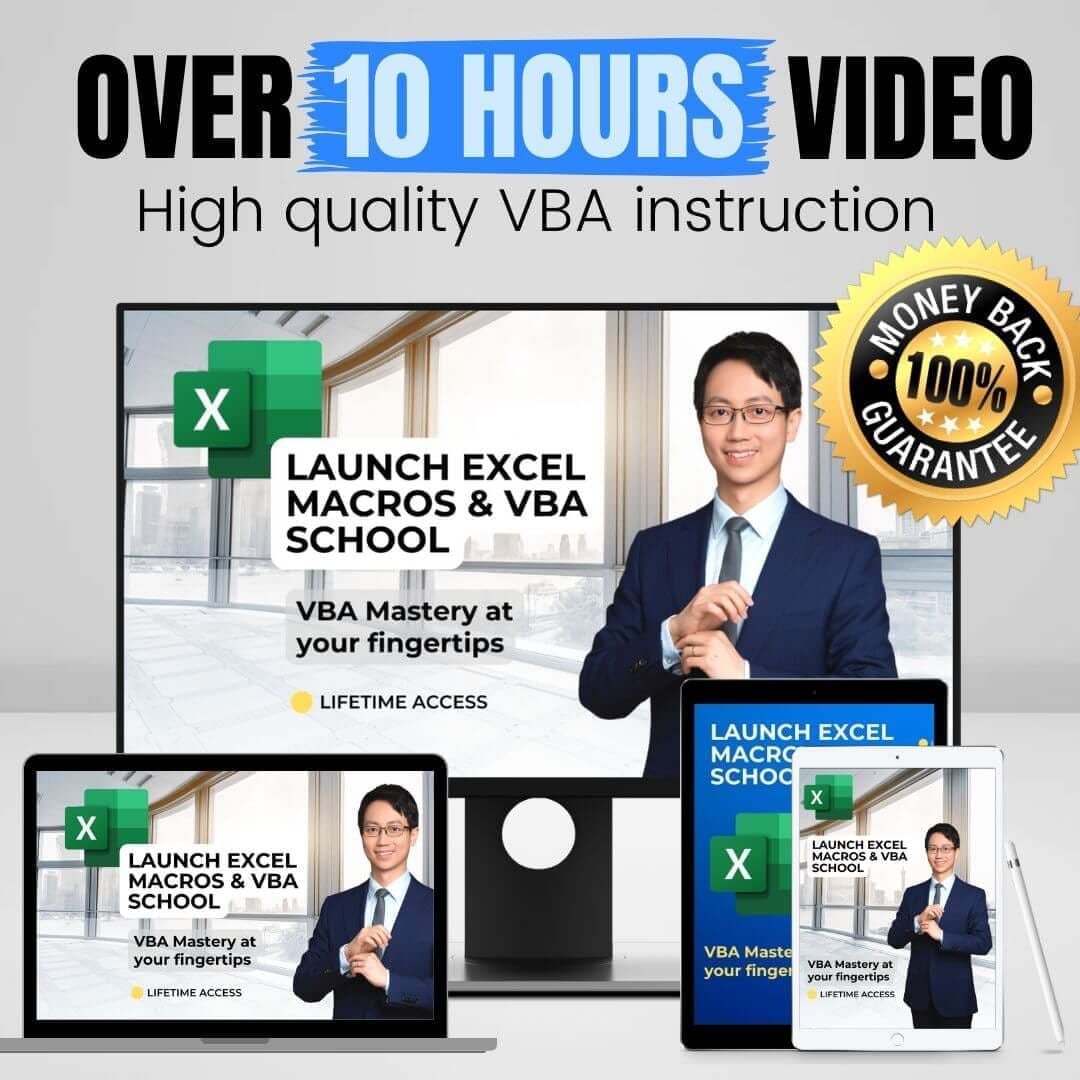
Transform your Excel skills with 10 hours of engaging, on-demand VBA lessons that take you step-by-step from beginner to intermediate. Build skills that will save you hours every week by automating tedious tasks.

Templates
Speed up your learning with ready-made VBA code templates. Designed to simplify your life and cut down the guesswork, these will make your first projects easy so you can see real results fast.

Hands-On Projects
Engage in hands-on projects that guide you through real-world VBA challenges. Reinforce your learning with practical experience to ensure you develop the skills needed to automate Excel tasks with confidence.

1-2-1 Support
Get exclusive support for 30 days directly from me in the course comments and email. If you get stuck or need a little guidance, I'm here to help you overcome challenges and keep moving forward.

Lifetime Access
Enjoy lifetime access to all course content with free updates as new features are added to improve the course based on students' needs. This means you'll have the latest content to keep for as long as the service exists.
Save $200 today
List price $499
You only pay $299
Lesson Screenshots


Certificate of Completion
When you complete the course you get a Certificate of Completion. You can share this in the Certifications section of your LinkedIn profile, on printed resumes, CVs, or other documents.
Shareable on...


Get Macros and VBA training built from the ground up to help you reach the sky 🚀

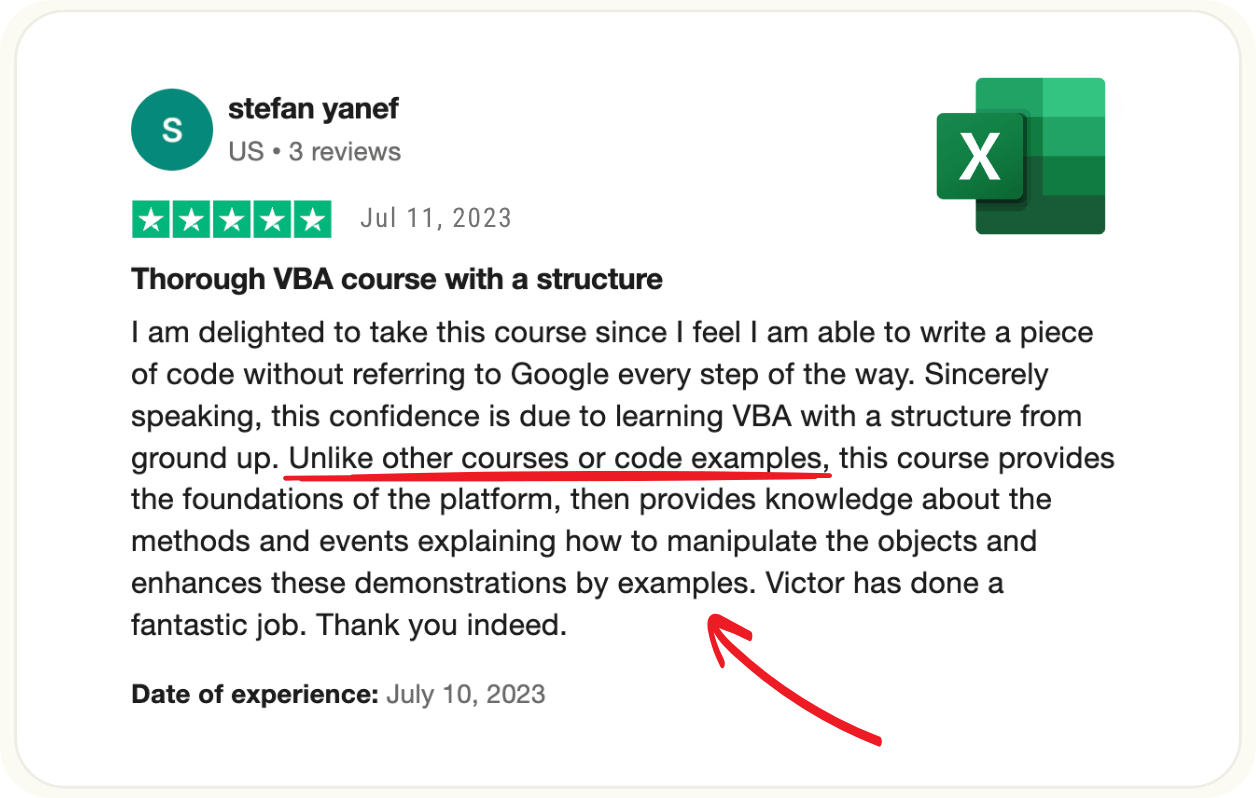
"UNLIKE OTHER COURSES"
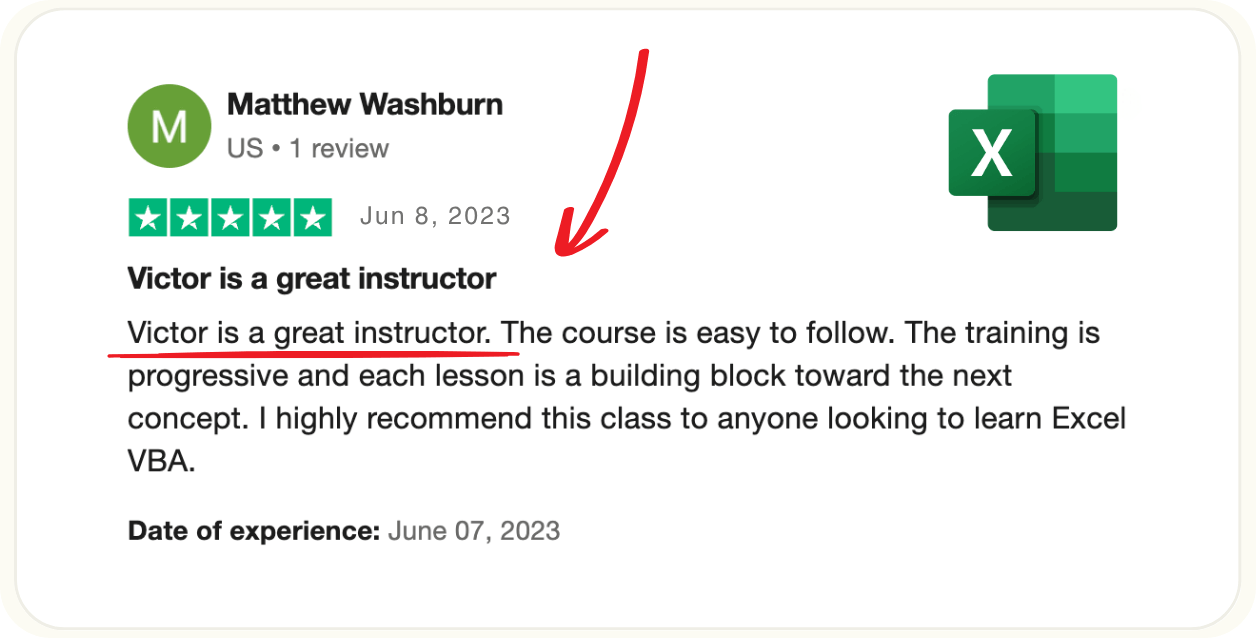
"GREAT INSTRUCTOR"
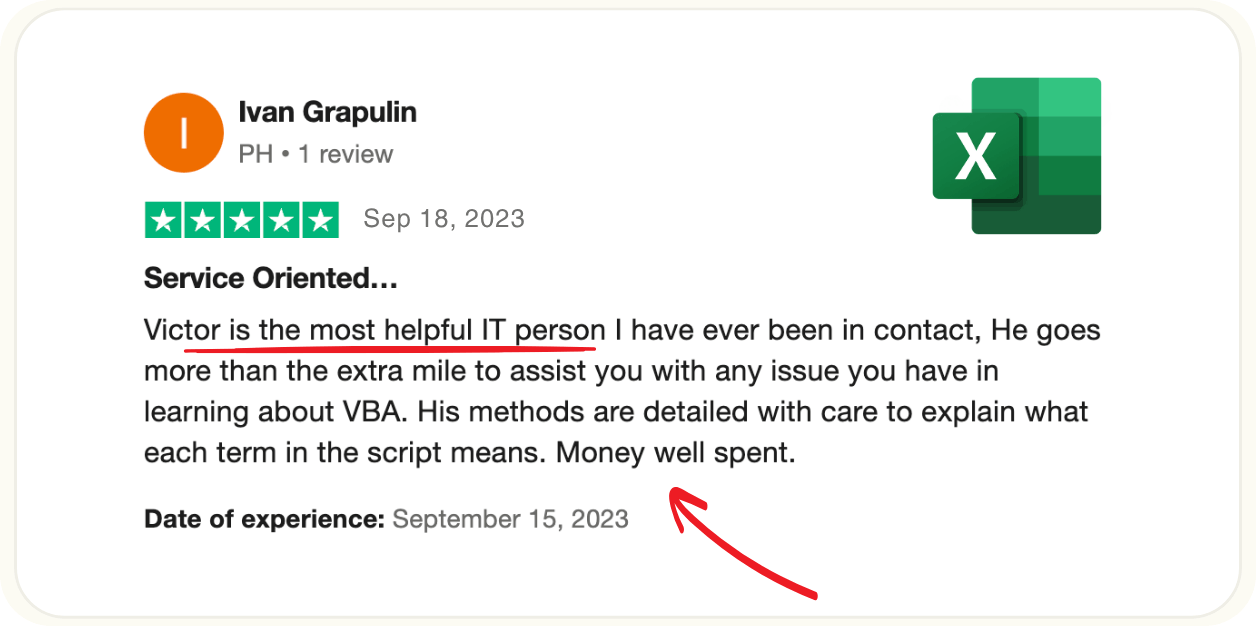
"MOST HELPFUL IT PERSON"
Who This Is Perfect For
Excel users who want to automate repetitive tasks with VBA
Busy professionals who want to save hours each week by learning to build custom Excel solutions
Analysts, accountants, and managers looking to enhance their productivity with automation
People who have some experience with Excel and are seeking a practical step-by-step approach to learning VBA
Who This is Not For
Complete beginners with no experience using Excel (a basic understanding is needed)
Those who are not interested in automation or coding solutions
People who are looking for a course on general Excel use without a focus on VBA
Users looking for purely entertainment content or casual learning without practical application
Save $200 today
List price $499
You only pay $299
Bonus: The VBA Code Vault
The VBA Code Vault is a collection of ready-to-use VBA code snippets to help you save time and solve common Excel tasks quickly. It includes a handpicked collection of the top 40 most useful code snippets that you can copy and paste directly into your own projects—just grab the code and go.
Here’s what you’ll find:
Instant Workbook Solutions: Want to sort your worksheets alphabetically, protect all sheets at once, or sync view settings across every worksheet? The VBA Code Vault has you covered with step-by-step solutions you can use immediately.
Adaptive Data Navigation: Learn how to programmatically find the first blank cell, move to the edge of data regions, or locate the last cell with data, making your VBA code adaptable to any dataset, whether it’s 12 rows or 15,000.
Speed Boost Techniques: Discover how to dramatically cut down execution time with just a few lines of code. This means less waiting and more getting things done, turning hours into minutes in some cases.
And Much More: From editing ranges and hiding macros to saving backup files, the VBA Code Vault has a snippet for many common situations you’ll encounter in Excel
Excel MVP Chris Newman says "This will change your career trajectory"

I'm an Excel Developer and Finance professional. Many people have relied on my Excel VBA tutorials for years. I personally went through Victor's VBA course to make sure it is something I can recommend.
Victor has put together quite an ensemble of modules. They provide a great foundation to anyone who wants to learn VBA. And you don't need to have a coding background to benefit.
The course includes professional and concise video lessons. It also has practice projects that allow students to test what they've just learned. Using real-world situations.
There is so much you can learn about VBA. And Victor has done a tremendous job to focus his course.
He covers the topics that are essential for coding macros on your own.
I haven't met a single person in the corporate world who knew VBA and wasn’t a prized possession in their organization.
This skillset is something that will change your career trajectory. And ensure you stand above your peers as an essential talent.
I'm an Excel Developer and Finance professional. Many people have relied on my Excel VBA tutorials for years. I personally went through Victor's VBA course to make sure it is something I can recommend.
Victor has put together quite an ensemble of modules. They provide a great foundation to anyone who wants to learn VBA. And you don't need to have a coding background to benefit.
The course includes professional and concise video lessons. It also has practice projects that allow students to test what they've just learned. Using real-world situations.
There is so much you can learn about VBA. And Victor has done a tremendous job to focus his course.
He covers the topics that are essential for coding macros on your own.
I haven't met a single person in the corporate world who knew VBA and wasn’t a prized possession in their organization.
This skillset is something that will change your career trajectory. And ensure you stand above your peers as an essential talent.
Chris Newman
Founder of TheSpreadsheetGuru.com
Excel Developer & Director of Finance
Bonus: The VBA Dev Cheat Sheet
The VBA Dev Cheat Sheet is a practical guide to help you manage the development process, giving you a clear and straightforward approach to coding and debugging your VBA programs. It’s a quick reference packed with essential steps and tips to streamline your coding.
Here’s why it's a must-have guide:
The Four Key Steps: Follow my proven four steps to write VBA programs that are robust and easy to maintain. Avoid common beginner pitfalls like cobbling together code that breaks or becomes hard to change later on.
Practical Developer Tips: Learn simple but effective coding practices to become a better VBA coder, and save endless headaches. These best practices will keep your code clean and functional.
Counter-Intuitive Habits for Success: Discover surprising habits that experienced VBA developers use to create reliable, easy-to-debug code. Make these small but powerful changes to transform your approach.
Excel MVP Dave Bruns says "Victor makes complex concepts easy to grasp"

I've known Victor for over 10 years. His Excel VBA course is the real deal for diving into the world of Excel automation with VBA. With over 10 hours of video, it packs a ton of VBA know-how in a format that's fun and useful.
Victor's calm and clear speaking style and thorough explanations enhance the learning experience, making complex VBA concepts easy to grasp.
He's made learning not just friendly for students but also worthwhile in terms of getting practical results.
Plus, I've seen Victor work hard to help his students succeed. His course is more than just a gateway to Excel VBA automation. It's a positive experience that gives students the confidence to master new skills.
I've known Victor for over 10 years. His Excel VBA course is the real deal for diving into the world of Excel automation with VBA. With over 10 hours of video, it packs a ton of VBA know-how in a format that's fun and useful.
Victor's calm and clear speaking style and thorough explanations enhance the learning experience, making complex VBA concepts easy to grasp.
He's made learning not just friendly for students but also worthwhile in terms of getting practical results.
Plus, I've seen Victor work hard to help his students succeed. His course is more than just a gateway to Excel VBA automation. It's a positive experience that gives students the confidence to master new skills.
Dave Bruns
Founder of Exceljet.net
(1 million monthly web visitors)
Bonus: The Speed Learning System
The Speed Learning System is your guide to mastering skills faster and retaining knowledge longer, using brain science and practical tips to help you learn better and faster. It combines brain science with practical tips to help you learn effectively and efficiently.
Here’s why it's a game-changer:
Proven Techniques: Discover the most effective methods for absorbing new information and making it stick. Avoid the common mistakes that slow down your progress and instead use techniques that work with your brain, not against it.
Connect the Dots: Understand how everyday activities, like taking a walk or shower, help you see the bigger picture and make critical connections. Learn how to alternate between different modes of thinking to boost creativity and problem-solving.
Reinforce and Retain: Learn the single best way to solidify what you've learned. Hint: it’s not about taking more notes. This technique will ensure you remember key concepts and skills for the long term, not just for today.
FAQs
Yes! But your results depend on where you're starting and how much effort you put in. This course gives you proven methods and real-world projects, but you still need to apply what you learn to see the transformation.
If you're new to VBA: You'll start automating simple tasks within your first few lessons. By the end of the course, you'll have the foundation to build basic macros that save you hours each week. Full automation mastery takes practice beyond the course, but you'll be amazed at what you can accomplish with the fundamentals.
If you have some VBA experience: You're in the perfect position to see immediate results. You'll quickly move from basic scripts to building sophisticated solutions that solve real workplace problems. Many students at this level start implementing course concepts at work within the first week.
If you're already using VBA: You'll eliminate knowledge gaps that have been holding you back and learn advanced techniques that make your code more powerful and reliable. Expect to streamline your existing processes and tackle complex automation projects you previously thought were impossible.
Bottom line: Every student who completes the projects and applies the techniques sees measurable improvements in their Excel productivity. The question isn't whether you'll get results, it's how quickly you'll start seeing them.
You can start learning immediately! Once you enroll, you'll have instant access to all course materials, videos, and resources. There's no waiting for cohorts or scheduled start dates. Dive in as soon as you're ready to transform your Excel skills.
Your personal email support begins the moment you enroll and runs for a full 30 days. Have a question while working through a lesson? Just email me directly and I'll help you get unstuck.
Want to maximize your support period? If you prefer to start the course later, simply email me after enrollment and I'll activate your support month when you're ready to begin. This way, you get the full value of personalized help when you need it most.
This course is designed for Excel users who already know the basics—things like creating formulas, working with worksheets, and navigating the interface. If you're comfortable using Excel for everyday tasks, you're ready to learn VBA automation.
New to Excel? If you're just starting out with Excel, this course might feel overwhelming since we focus specifically on advanced programming and automation techniques. Consider building your Excel fundamentals first, then come back to unlock the power of VBA.
Absolutely! VBA code works the same regardless of your Excel language settings. While the menus and interface might look different, the programming concepts and automation techniques are universal.
I'll provide full support even if you're working in Spanish, French, German, or any other language version of Excel. Just describe your questions in English, and I'll help you navigate any language-specific challenges you encounter.
I recommend Excel 2016 or newer, or a Microsoft 365 subscription for full compatibility with the features used in this course. However, the course content will still work with older versions of Excel, as the fundamentals of VBA have not changed significantly since earlier versions.
If you use Mac Excel, this course may not be ideal for you, as it was filmed using Windows Excel. The interface and shortcuts are sometimes different on a Mac.
That said, some of our students have successfully used Mac Excel with this course. The VBA language is the same on both Windows and Mac Excel, and most lessons will work, although about 20% of the content differs.
You have three options:
1. Run Windows on a virtual machine like Parallels Desktop, and run Windows Excel inside the virtual machine to follow along 100%. This is in fact what I now do.
2. Use Mac Excel and follow along. While there may be some menu layout and shortcut differences, you can still complete roughly 80% of the course.
3. Check out Ron de Bruin's site for Mac Excel VBA: https://www.macexcel.com/. He offers great Mac-specific Excel VBA content.
While this course focuses specifically on Excel VBA, you're getting skills that unlock automation across the entire Microsoft Office suite.
The VBA programming language is shared between Excel, Word, Access, PowerPoint, and Outlook. Meaning the foundation you build here opens doors to automating all these applications.
Think of this course as your gateway to becoming an Office automation expert.
You'll start with Excel because it's the most powerful and widely-used platform for VBA, but the core programming concepts, syntax, and problem-solving approaches you master here will translate directly to automating your entire Office workflow.
Many of our students are surprised to discover they can apply their new Excel VBA skills to solve problems they didn't even know could be automated in other Office applications.
After you sign up, the course is yours forever. Think of it like buying an app that never expires. You can use it anytime. If you get busy, it's still there when you're ready. You can revisit lessons anytime, whether it's next week, next month, or next year. Plus, you'll get all future updates for free!
Our course videos are available for streaming anytime you're online. For offline access, we offer a Download Pack that includes:
All course videos for offline viewing
Excel workbooks from every lesson
Exclusive 100-page PDF summary of all key concepts
The Download Pack is perfect for learning on the go, whether you're traveling, commuting, or in areas with unreliable internet.
You'll see the option to add it as a special offer after you complete the first page of the order form and move to the second page.
You'll receive a professional certificate of completion that showcases your new Excel VBA skills. This isn't just a piece of paper—it's proof of the 20 hours of intensive training you've completed, including 10 hours of hands-on project work.
Use your certificate to:
Enhance your resume with in-demand automation skills
Demonstrate your expertise to current or future employers
Share your achievement on LinkedIn to expand your professional network
Build your personal portfolio of technical accomplishments
But here's what matters most. You'll have the confidence and skills to create your own custom Excel solutions. You'll understand VBA inside and out, enabling you to automate repetitive tasks, build powerful macros, and solve complex problems that would take others hours to complete manually.
Imagine the satisfaction of walking into work knowing you can tackle any Excel challenge, and the recognition you'll get when colleagues see what you can accomplish with your new automation superpowers!
Absolutely! This course takes you far beyond basic macros. You'll master advanced techniques like working with arrays for lightning-fast data processing, creating custom user forms for professional interfaces, and building sophisticated automation solutions that handle complex business logic.
However, VBA is incredibly vast, and some specialized topics require dedicated courses. For instance, we don't cover class modules, advanced charting automation, or building commercial add-ins for distribution.
Want to create Excel add-ins? I highly recommend Chris Newman's specialized course for that next level:
Perfect! Team training is one of the most effective ways to transform your organization's Excel capabilities. When your entire team learns VBA together, you create a culture of automation and efficiency that benefits everyone.
Here's how it works:
Special group pricing available for teams of 3 or more
Everyone gets full access to all course materials and support
Teams can collaborate on projects and share solutions
Significant cost savings compared to individual enrollments
Email me at victor@launchexcel.com with your team size and I'll send you a custom quote with substantial group discounts.
You're completely protected with my 30-day money-back guarantee. If the course doesn't meet your expectations for any reason, just contact me within 30 days for a full refund. The only question I'll ask is how can I improve the course because I want to make it the best course possible.
I'm confident you'll love the practical, hands-on approach and the immediate results you'll see. But if it's not the right fit, I want to make it right. Your success and satisfaction are my top priorities.
My commitment: Every student should feel excited about their progress and confident in their new VBA skills.
The course price includes everything you need to become proficient in VBA: complete video training, all project files, email support, and your certificate of completion. No hidden fees or surprise charges.
Optional add-ons:
Download Pack for offline access (special offer during checkout)
One-on-one coaching sessions for personalized guidance and faster progress
The core course gives you all the knowledge and tools to succeed. The optional services are there if you want extra support or convenience, but they're never required.
Absolutely! Even experienced VBA learners are surprised by what they discover in this course.
You'll likely find that while you know the basics, there are significant gaps in your practical application skills. This course fills those gaps and gives you the confidence to tackle complex automation projects that previously seemed impossible.
Bottom line: If you've been writing VBA but still struggle with advanced projects or feel like your code could be better, this course will transform how you approach Excel automation.
Absolutely! This course makes an incredible gift for anyone who works with Excel, whether it's a colleague who's always struggling with repetitive tasks, a family member starting their career, or a friend who's mentioned wanting to learn automation.
Perfect gift for:
Recent graduates entering the workforce
Professionals looking to advance their careers
Anyone who spends hours on manual Excel work
Tech-curious family members who want new skills
How it works: Simply email me at victor@launchexcel.com with the recipient's name and email address. I'll set everything up and can even send them a personalized message letting them know it's from you. They'll get instant access to start learning whenever they're ready.
Gift certificates available too! If you prefer to give them the choice of when to start, I can create a gift certificate they can redeem at their convenience.
This is one of the most practical and career-changing gifts you could ever give. There's something special about giving someone skills that will save them hours every week and boost their professional confidence!
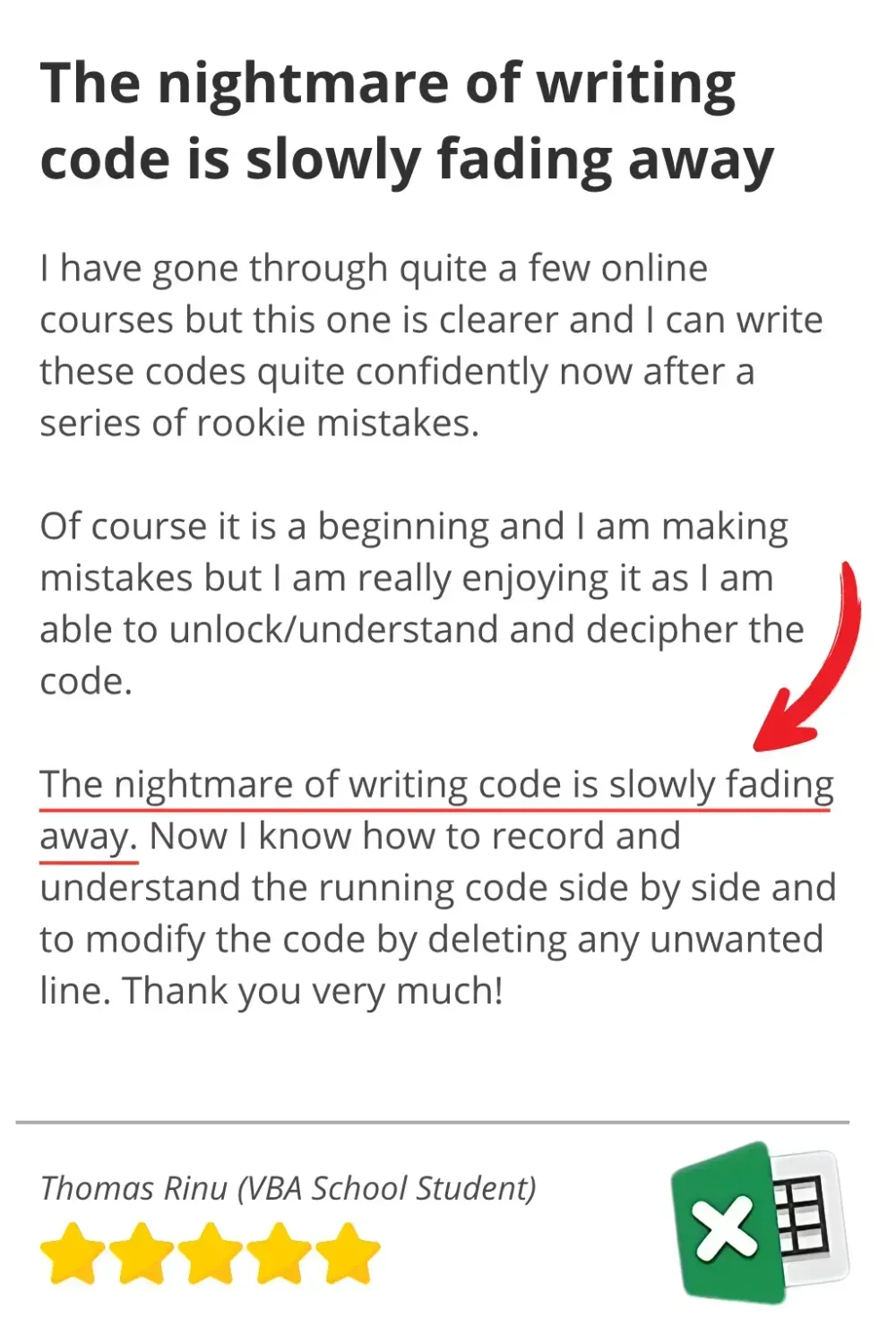
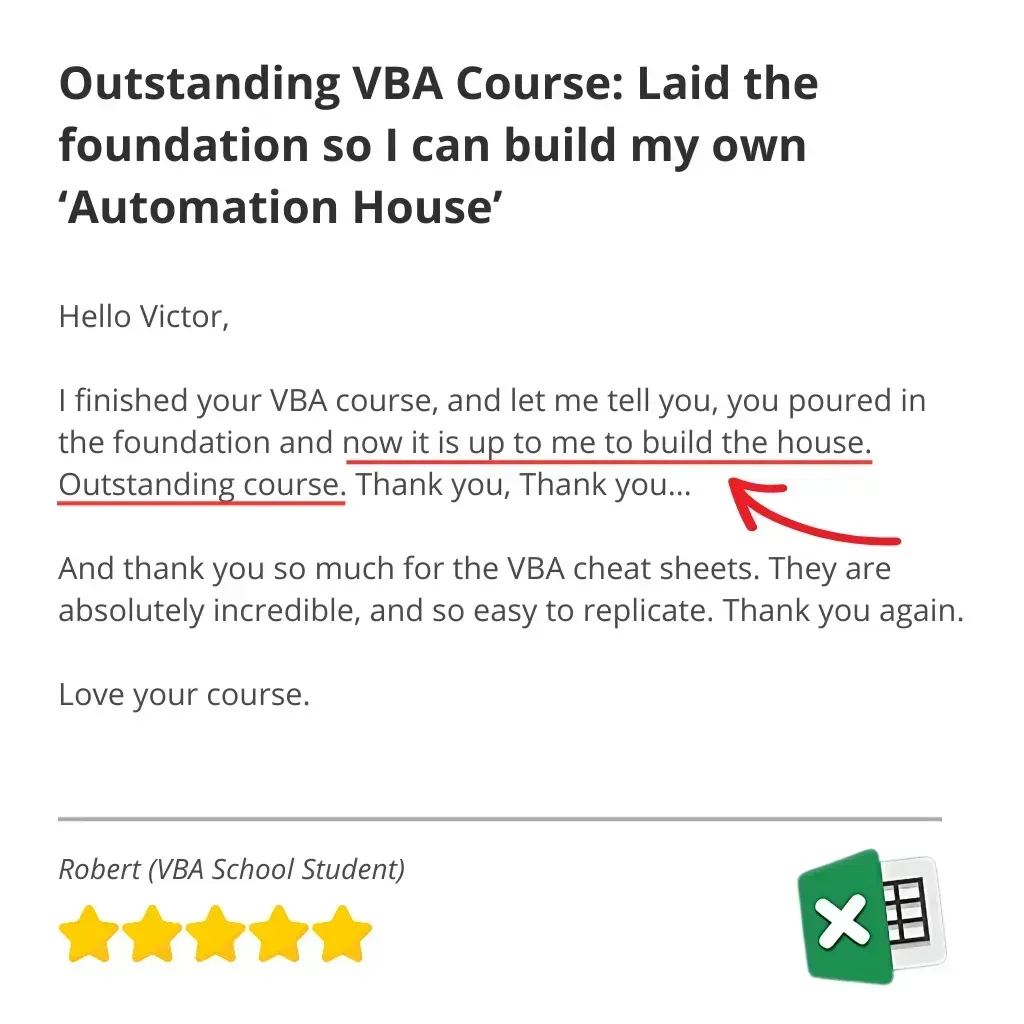
It's no wonder people like Thomas love this course...


30-Day Money-Back Guarantee
I'm confident that Launch Excel Macros and VBA School will help you master Excel VBA and supercharge your productivity. That's why I'm offering a full 30-day money-back guarantee.
I believe that the course will help you become an Excel VBA pro, but I also understand that not everyone's learning style and needs are the same.
By offering a 30-day money-back guarantee, I want to give you the peace of mind to try the course and see for yourself how it can transform your Excel skills and productivity.
If, after 30 days of buying the course, you feel that the training did not meet your expectations, I will give you a full refund, no questions asked!
So don't miss out on this opportunity to master Excel VBA and supercharge your productivity. Sign up for the Excel Macros and VBA School today, and experience the benefits for yourself with our 30-day money-back guarantee.
Save $200 today
List price $499
You only pay $299



P.S. Don't let this slip away...
I'm really glad you made it this far.
It tells me you're serious about mastering Excel and ready to stop doing repetitive tasks by hand.
So let me ask you this: 6 months from now, do you want to still be staying late to finish reports that could run automatically?
Still staying late to finish reports that could run automatically?
Still watching colleagues get promoted while you're stuck in the Excel weeds?
– OR –
Do you want to be the Excel expert everyone comes to for help?
✓The one who finishes work early because everything's automated.
✓The one who gets noticed for solving problems no one else can
Here's the thing: you're going to be somewhere 6 months from now anyway.
The only question is whether you'll have these skills or you'll still be wishing you did.
With my 30-day money-back guarantee, you literally have:
❌ NOTHING to lose
✅ HOURS of your life to gain back every single week
Stop putting this off. Your future self will thank you.
Save $200 today
List price $499
You only pay $299